Offset Crescents
Moons on your print. Offset Crescents generates overlapping circle pairs where the overlap gap creates elegant crescent or moon shapes. The result feels like a night-sky pattern stamped into clay -- delicate, rhythmic, and unexpectedly beautiful on curved surfaces. Think Art Nouveau ironwork or Islamic geometric art.
Preview
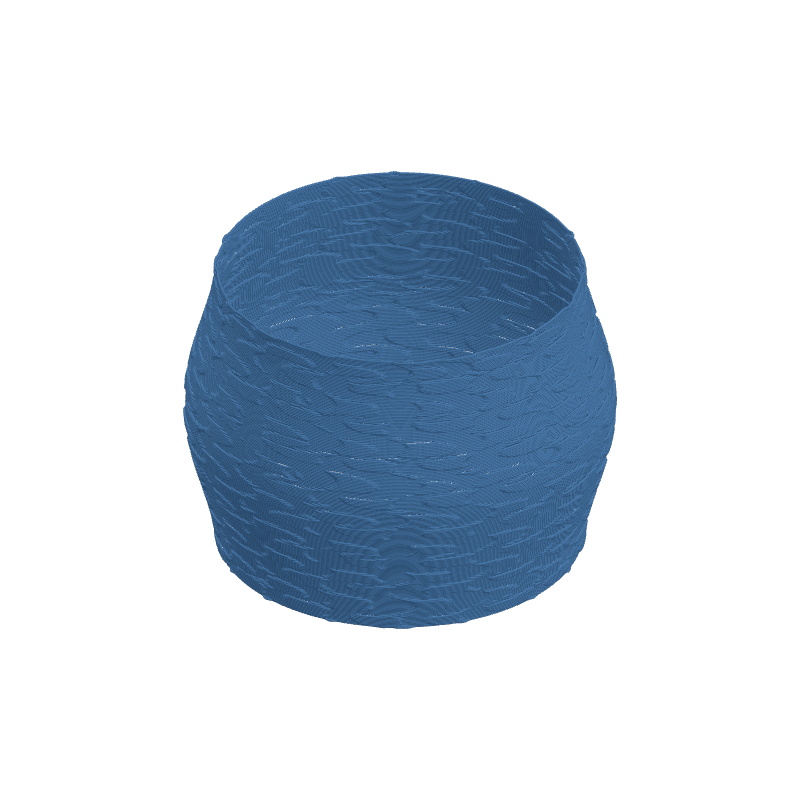
Effect Controls
Interactive preview is available in the interactive reader.
Parameters
Count- Number of crescent shapes in the pattern. More crescents = denser lunar field.
Fill- Packing density of the crescent elements. Lower values scatter moons sparsely for a minimal look.
Crescent Width- Controls the gap between the two overlapping circles. Narrow gaps = razor-thin slivers; wide gaps = chunky half-moons.
Moon Size- Radius of each crescent element. Larger moons dominate the surface; tiny ones scatter like confetti.
Blur- Softens the crescent edges for a more painterly, less geometric feel.
Seed- Rearranges the crescent positions and orientations. Try different seeds to find the most harmonious layout.
Resolution- Texture resolution in pixels. Higher resolution preserves the delicate thin edges of narrow crescents.
Ratio- Aspect ratio of the texture. Adjust to keep crescents circular on your UV layout.
Depth (mm)- How far crescents push outward. Negative values carve moon-shaped grooves into the surface.
Tile U / Tile V- Tiles the crescent field around (U) and along height (V) for seamless lunar wallpaper.
Rotation- Rotates the entire crescent pattern. Align all moons to "face" the same direction.
Width Gain- Thickens extrusion over bright crescent areas for raised, embossed moons.
Flow Gain- Adds extra material on crescents for pronounced, tactile moon shapes.