Contour Islands
Think topographic maps carved into your print. Contour Islands takes fractal noise and slices it into discrete elevation bands -- like looking down at a chain of volcanic islands from space. Each band becomes a raised plateau on the surface, creating that satisfying staircase-terrain look that catches light beautifully on silk and metallic filaments.
Preview
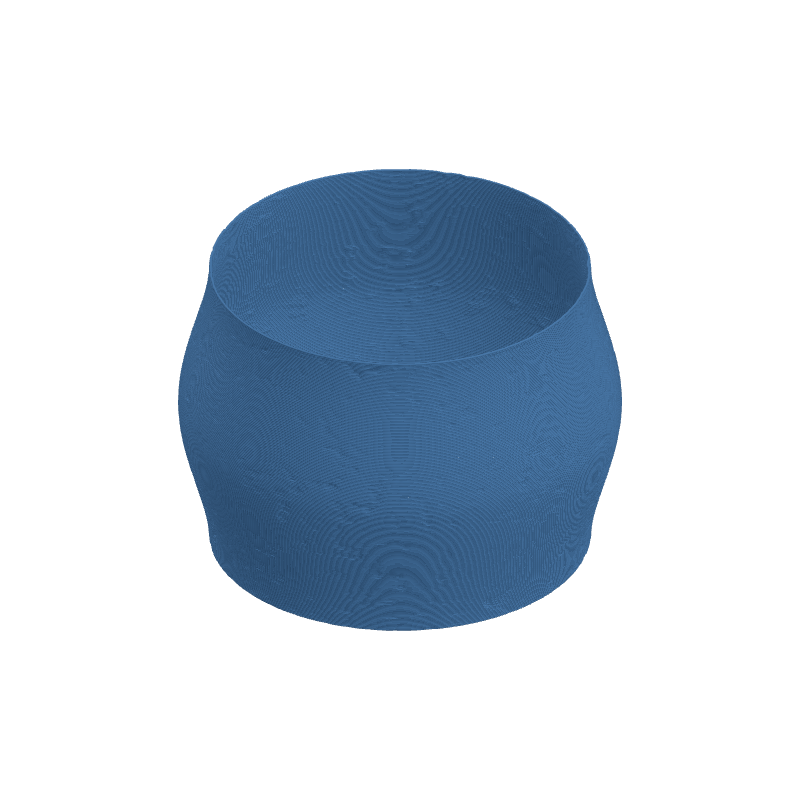
Effect Controls
Interactive preview is available in the interactive reader.
Parameters
Noise Scale- Controls the turbulence frequency -- low values give broad, sweeping continents; high values fracture them into tiny archipelagos.
Band Count- How many contour levels to carve. More bands = finer elevation steps, fewer = bold dramatic plateaus.
Edge Contrast- Sharpens or softens the cliff edges between bands. Crank it up for crisp topo-map steps.
Edge Width- Adjusts the morphological edge width -- thicker edges make each contour ring more pronounced.
Blur- Smooths the entire texture. A touch of blur rounds off harsh transitions for a more organic feel.
Seed- Change this to generate a completely different island layout. Same seed = same geography, every time.
Resolution- Texture resolution in pixels. Higher = finer detail, but slower to generate.
Ratio- Aspect ratio of the texture map. Match this to your object for undistorted contours.
Depth (mm)- How far the contour bands push outward. Negative values carve inward instead.
Tile U / Tile V- Repeats the pattern around the circumference (U) and along height (V). Tile for seamless wallpaper coverage.
Rotation- Spins the UV mapping. Handy for aligning contour flow with your design intent.
Width Gain- Varies extrusion width based on texture brightness -- brighter regions get thicker lines.
Flow Gain- Varies material flow based on texture brightness for subtle volumetric emphasis.