Julia Flow Ridges
Julia Flow Ridges sculpts the surface using Julia-set–inspired fields so ridges follow fractal-like boundaries. Bottom and top can use different scales, contrasts, and c parameters, so the pattern can evolve smoothly from base to lip while staying mathematically coherent.
Preview
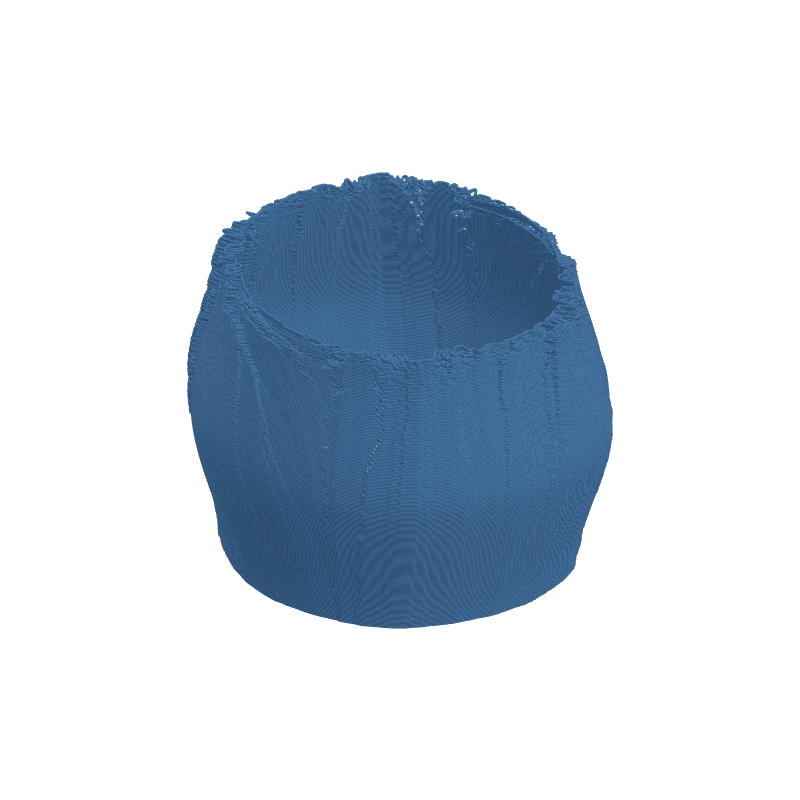
Effect Controls
Interactive preview is available in the interactive reader.
Parameters
Depth (mm)- Overall displacement strength of the ridge field (0–10 mm).
Style- Rendering mode: Contour, Additive, or Inverted (discrete choice).
Strength (↓)- Contrast / ridge emphasis at the bottom of the print (0.1–5).
Strength (↑)- Contrast / ridge emphasis at the top of the print (0.1–5).
Size (↓)- Spatial scale of the pattern at the bottom (5–50).
Size (↑)- Spatial scale of the pattern at the top (5–50).
C Real (↓)- Julia constant real component at the bottom (−1.5–1.5).
C Real (↑)- Julia constant real component at the top (−1.5–1.5).
C Imag (↓)- Julia constant imaginary component at the bottom (−1.5–1.5).
C Imag (↑)- Julia constant imaginary component at the top (−1.5–1.5).
Detail- Iteration count for the Julia evaluation; higher reveals finer structure (4–70).
Rotation- Rotates the field around the part in radians (0–6.28).
How It Works
The effect evaluates a Julia-style escape-time field over the surface UV, then converts iso-contours into outward ridges. Strength pairs and Size pairs are interpolated from bottom to top, so you can morph from coarse, soft ridges to tight, high-contrast detail—or vice versa.
C Real and C Imag act like the complex constant c in the Julia iteration; nudging them even slightly changes the global topology of the curves. Detail trades GPU cost for fidelity. Style switches how those values map to displacement (contour lines, additive buildup, or inverted carving). Rotation spins the whole field before it is applied.