Bottom Cap
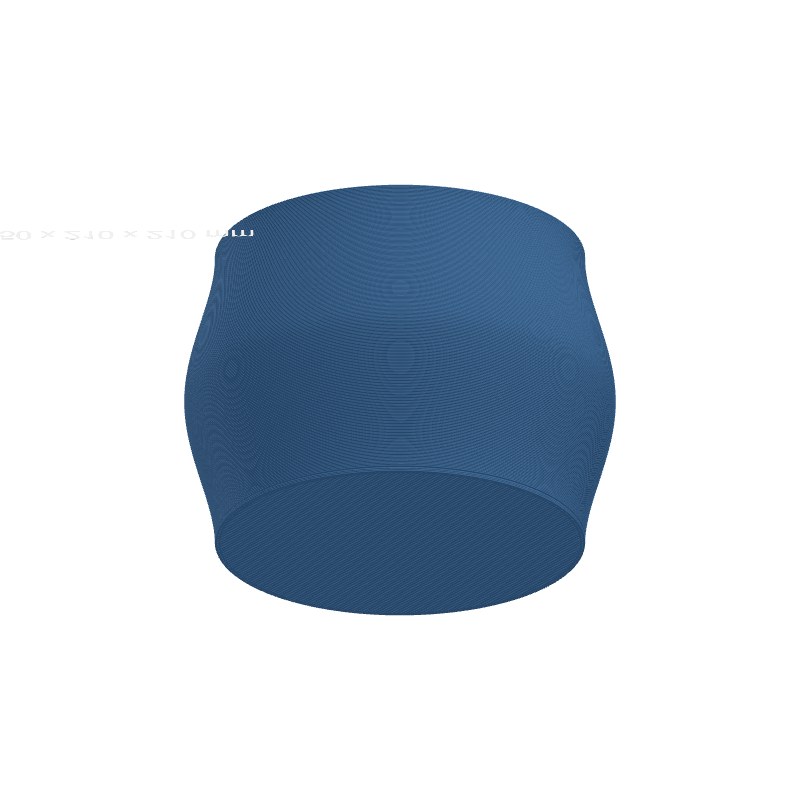
Bottom Cap adds solid infill layers at the base of the print so open vase-style models become closed containers. You choose how many layers to stack, whether the fill is rectilinear or concentric, and optionally cut a centered hole for drainage or routing.
Preview
Effect Controls
Interactive preview is available in the interactive reader.
Parameters
Solid Layers- Count of solid bottom layers (1–20).
Fill Pattern- Infill style: Rectilinear or Concentric (discrete choice).
Center Hole- Enable or disable a circular opening through the cap (boolean).
Hole Ø (mm)- Diameter of the center hole when enabled (0–100 mm).
How It Works
The cap is generated as real solid layers at the bottom of the toolpath, using the same style of rectilinear or concentric fill you would expect from a slicer. The effect closes the profile footprint so the first printable layers form a floor instead of an open ring.
When Center Hole is on, the solid fill leaves a round void sized by Hole Ø, which is useful for planters, lamp cord paths, or vented bases without removing the cap entirely.