Geometric Motifs
A grab-bag of clean geometric shapes -- triangles, diamonds, hexagons -- scattered across the surface like tiles in a Moroccan courtyard. Each seed roll can produce a different shape type, so every generation is a small surprise. Perfect for adding structured, architectural detail to vase-mode prints.
Preview
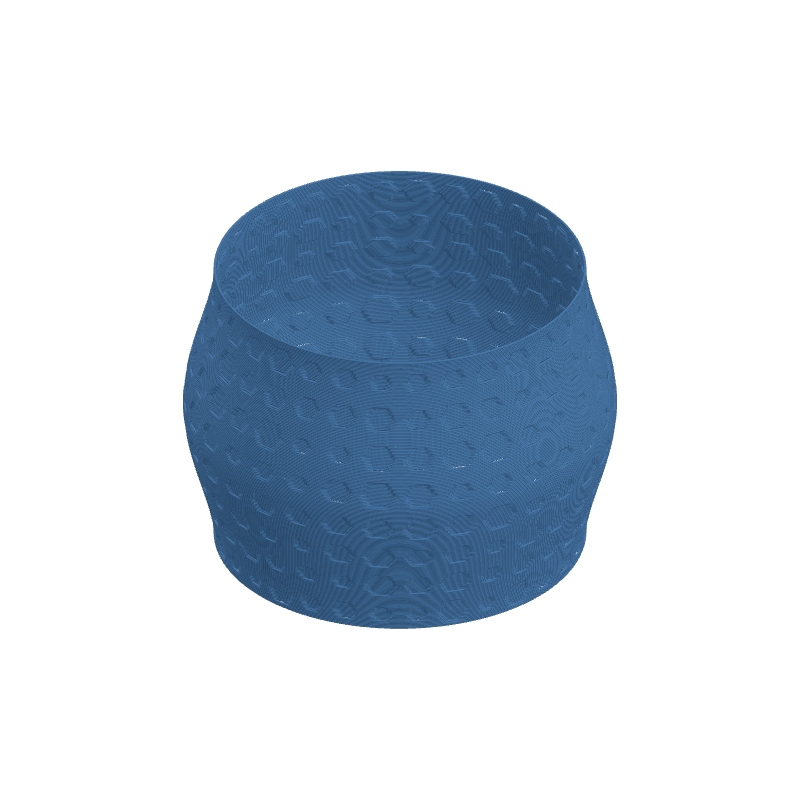
Effect Controls
Interactive preview is available in the interactive reader.
Parameters
Count- How many shapes to scatter. More shapes = denser mosaic; fewer = bold focal elements.
Fill- Probability that each grid cell gets a shape. Lower values leave breathing room between motifs.
Contrast- Color range between shape and background. High contrast cuts sharp silhouettes.
Shape Size- Scale of each individual motif. Large shapes interlock; small ones float independently.
Blur- Rounds off the crisp geometry into softer, more forgiving forms.
Seed- Regenerates the entire layout -- shape type, placement, and rotation. Hunt for the perfect arrangement.
Resolution- Texture resolution in pixels. Higher values preserve sharp polygon edges.
Ratio- Aspect ratio of the generated texture. Match to your UV mapping for undistorted shapes.
Depth (mm)- How far shapes push outward (or inward with negative values). Think raised tiles vs. carved inlays.
Tile U / Tile V- Repeats the motif field around (U) and along height (V) for all-over geometric wallpaper.
Rotation- Rotates the entire pattern on the UV map. Try 30° for a fresh tessellation angle.
Width Gain- Thickens extrusion lines over bright shape areas for embossed-looking motifs.
Flow Gain- Pushes extra material into shape regions for raised, tactile geometry.