Extrusion Texture
Extrusion Texture modulates flow or extrusion amount around the perimeter so bead width and surface sheen change while the nominal toolpath stays smooth. The part keeps the same designed outline, but walls subtly thicken and thin, producing ridges, corduroy, or satin bands you can see and feel. It is the flow counterpart to geometric ripples—ideal when you want texture without altering collision geometry.
Preview
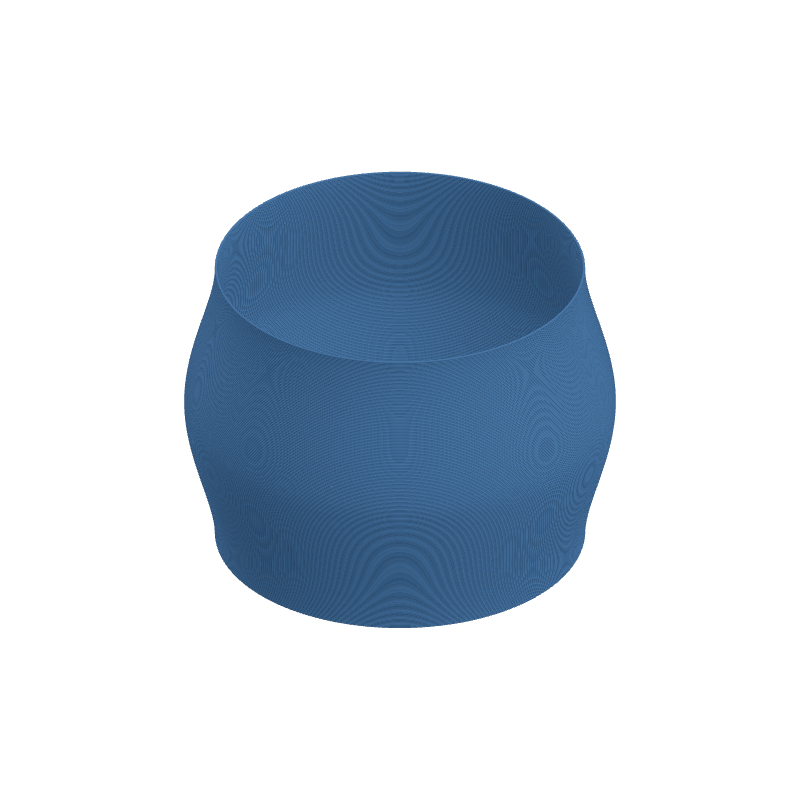
Effect Controls
Interactive preview is available in the interactive reader.
Parameters
Frequency- How many extrusion pulses occur around each layer loop (0.1–30). Higher values create tighter banding; lower values stretch the variation over longer arcs.
Amplitude- Strength of flow variation (0–10). Larger swings increase the difference between thickest and thinnest extrusion; keep values conservative on small nozzles or stiff materials.
Phase- Angular offset of the modulation in radians (0–6.28). Rotates where high-flow and low-flow segments fall without changing frequency or strength.
How It Works
A periodic control signal derived from the angle around the layer scales an extrusion multiplier (or equivalent E-axis delta) on top of the slicer’s baseline. Points in space are not displaced; instead, each perimeter segment requests slightly more or less material.
The visible result is a texture formed by alternating slightly proud and slightly starved regions. Phase spins that pattern around the part so you can align highlights or hide seams.