Emboss
Applies a local clamped image or SVG (via the bumpmap library) to a single region on the profile surface. Position and patch size use cylindrical UV (horizontal = angle, vertical = height). Over adds relief on top of previous effects; Replace blends the radial offset toward emboss-only in the masked region; Cut carves inward on raised parts of the image.
Preview
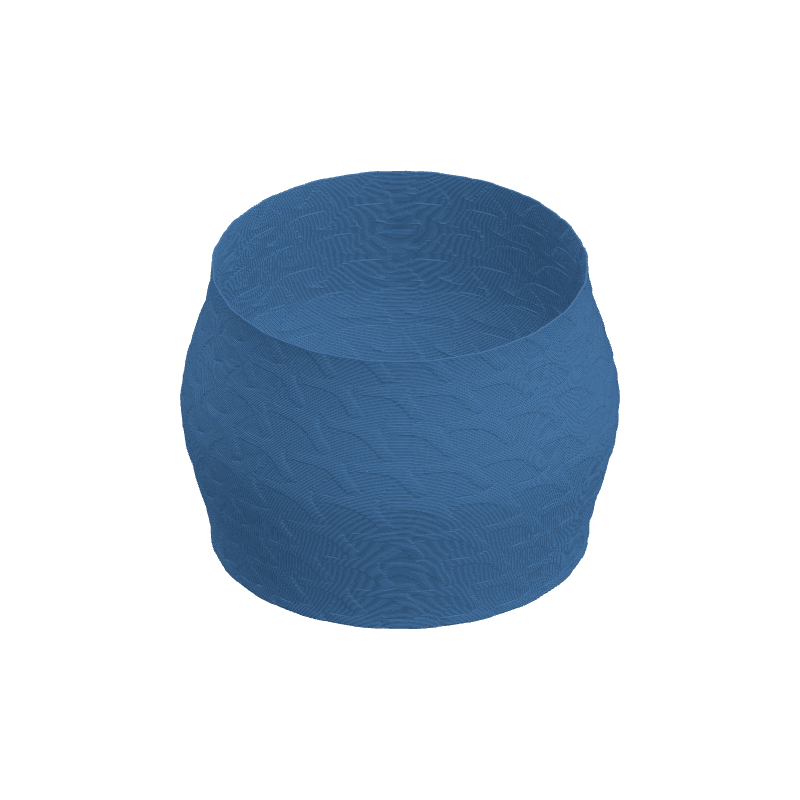
Effect Controls
Interactive preview is available in the interactive reader.
Parameters
Position H / V- Center of the patch on the surface (0–1). Horizontal wraps around the circumference; vertical is height.
Patch U / V (half)- Half-extent of the patch in UV space. Smaller = tighter region.
Rotation (°)- Rotates the image within the patch.
Depth (mm)- Displacement strength (can be negative).
Blend- Over: additive. Replace: radial offset blends toward emboss-only under the mask. Cut: subtracts offset on raised areas (carve).
Edge falloff- Softens the transition from patch edge to full strength (0–1).
Smoothing- Blurs sampled height toward neutral, like Bump Map.
Invert- Flips bright/dark relief. Interacts with Cut as documented in-engine.
Image library
Emboss shares its library with Bump Map. Adding, deleting, and storage locations all work identically — see Bump Map → Adding Custom Bump Maps for the full workflow.